What to bring to a MacBook repair
Bring the MacBook and the accessories involved in the fault. A charging issue may depend on one specific cable; a display issue may happen only through a dock. Knowing which setup actually fails is more useful than bringing every accessory you own.
My Mac Repairs ·
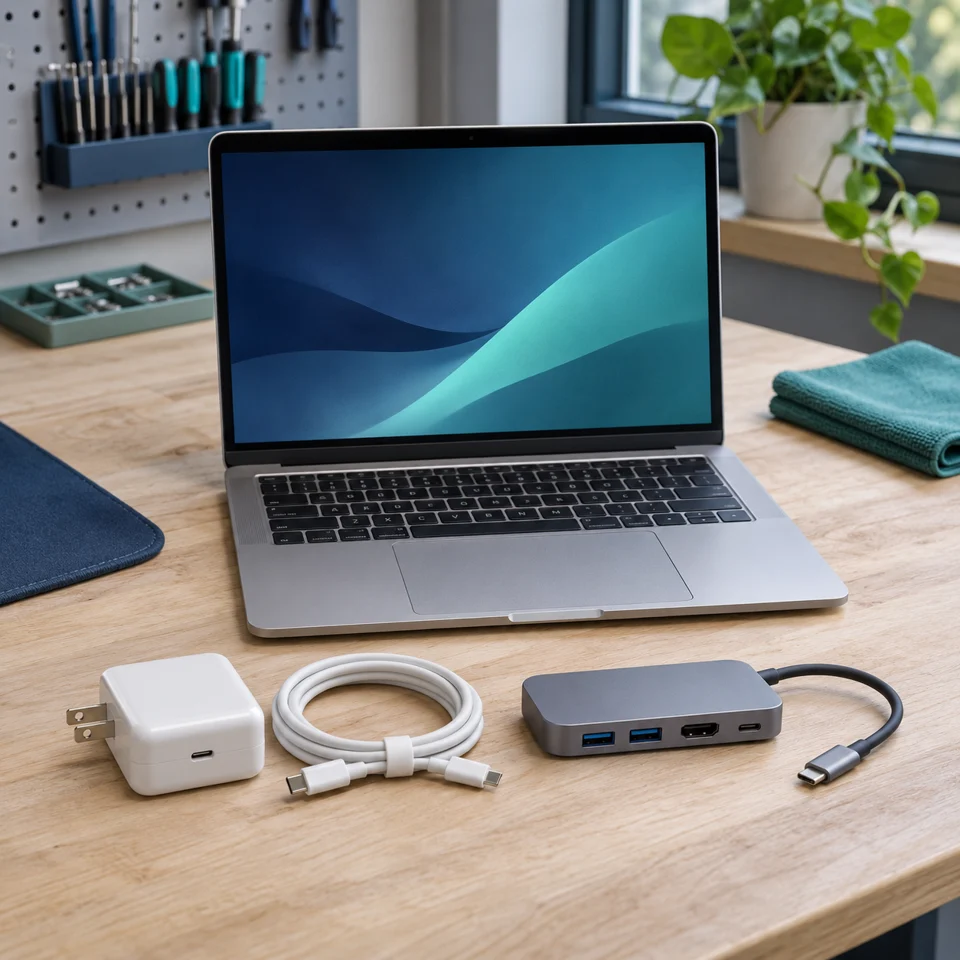
If your MacBook isn’t charging
Bring the power adapter and cable you normally use. Tell us if the problem started after switching to a different charger, or if charging works only from a particular port. If the cable or adapter is frayed, scorched or otherwise damaged, don’t plug it in to demonstrate the problem. A photo or the details on its label can be useful instead.
If a monitor, dock or accessory keeps disconnecting
Bring the small dock or adapter and its cable if that is the setup where the fault appears. You usually don’t need to carry a full-size monitor just to ask. Write down the monitor model and how everything was connected, or take a photo of the connections. If the issue only happens with that exact monitor, check with the workshop before travelling.
If the fault comes and goes
Note when it shows up: on waking from sleep, only at your desk, or only on battery power. A short video can help if you already have one and it contains no private information. Don’t force a damaged connector, open the MacBook, or keep testing after a spill. If you can use the Mac safely, back up important files before bringing it in.
Planning a visit to Milton?
Our workshop is at 105 Milton Road, Milton. Ask My Mac Repairs what to bring or request an estimate. If the issue is the built-in display, see MacBook screen assessment for the details that help with a quote.
Call 07 3077 8886